Projects and tasks
Every project, stage and task, and who answers for it.
Projects move through your firm's own stages. Every task has a person responsible, a due date and a review before it is done, and the whole team sees where things stand.
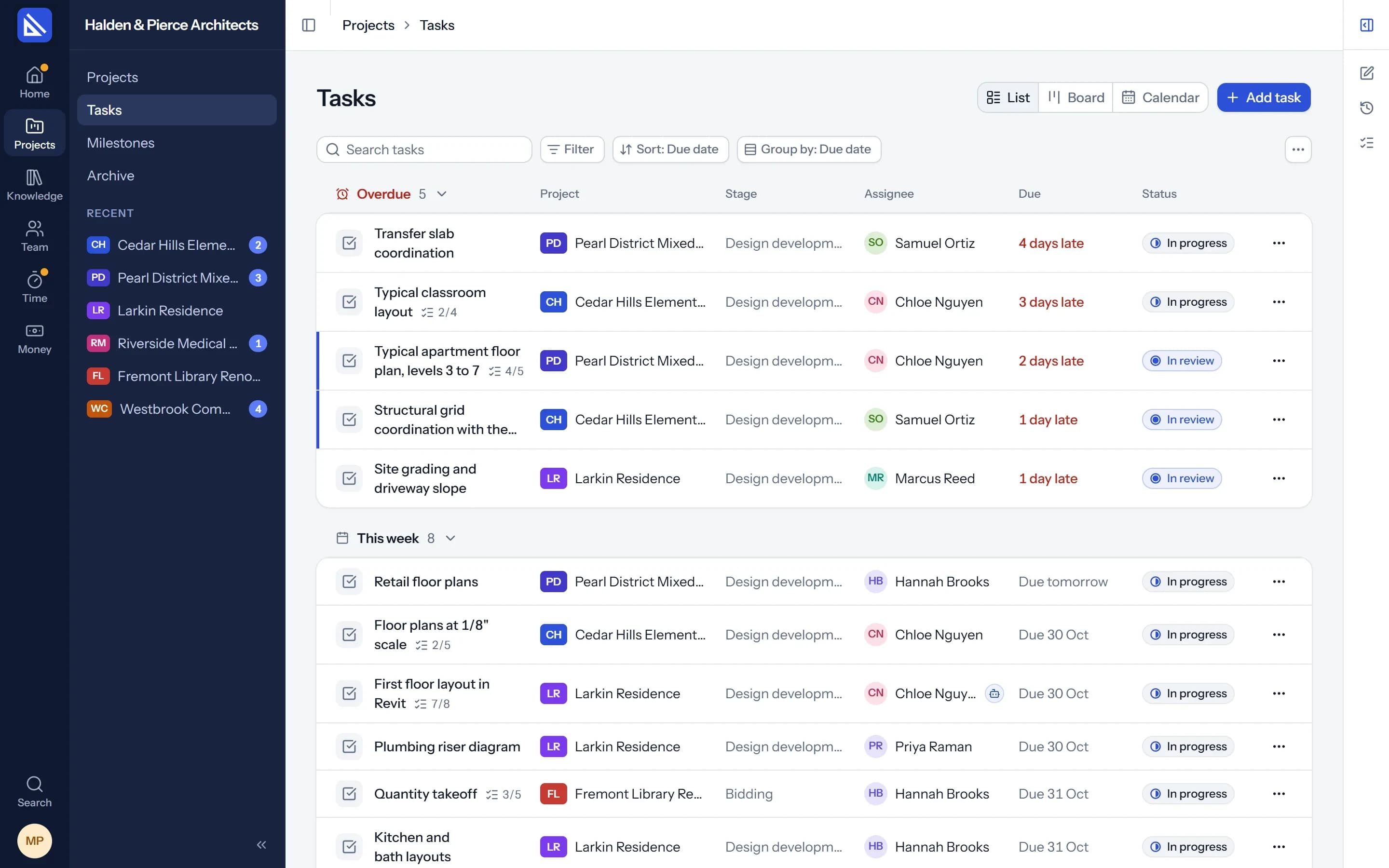
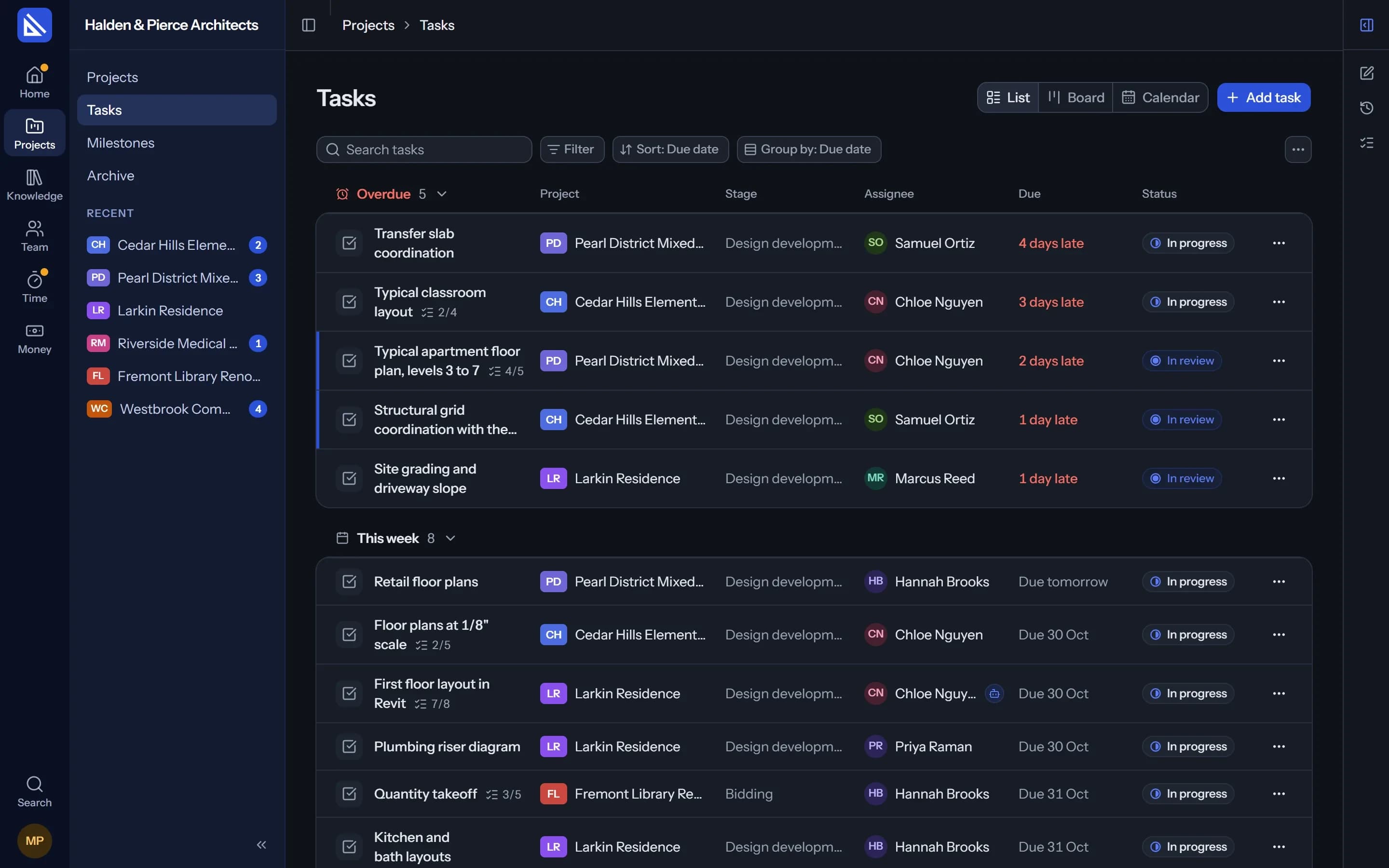
Stages
Stages your firm already works in.
Each project runs through your stages, from brief to handover. A stage has its dates, its tasks, its key dates and a sign-off.
- Your list. The firm keeps its own stages and disciplines, and every project uses them.
- Key dates. Client reviews, coordination meetings and issues, as milestones on the stage.
- Warnings, not walls. When something looks out of order, Arqiflow says so and lets you go on.
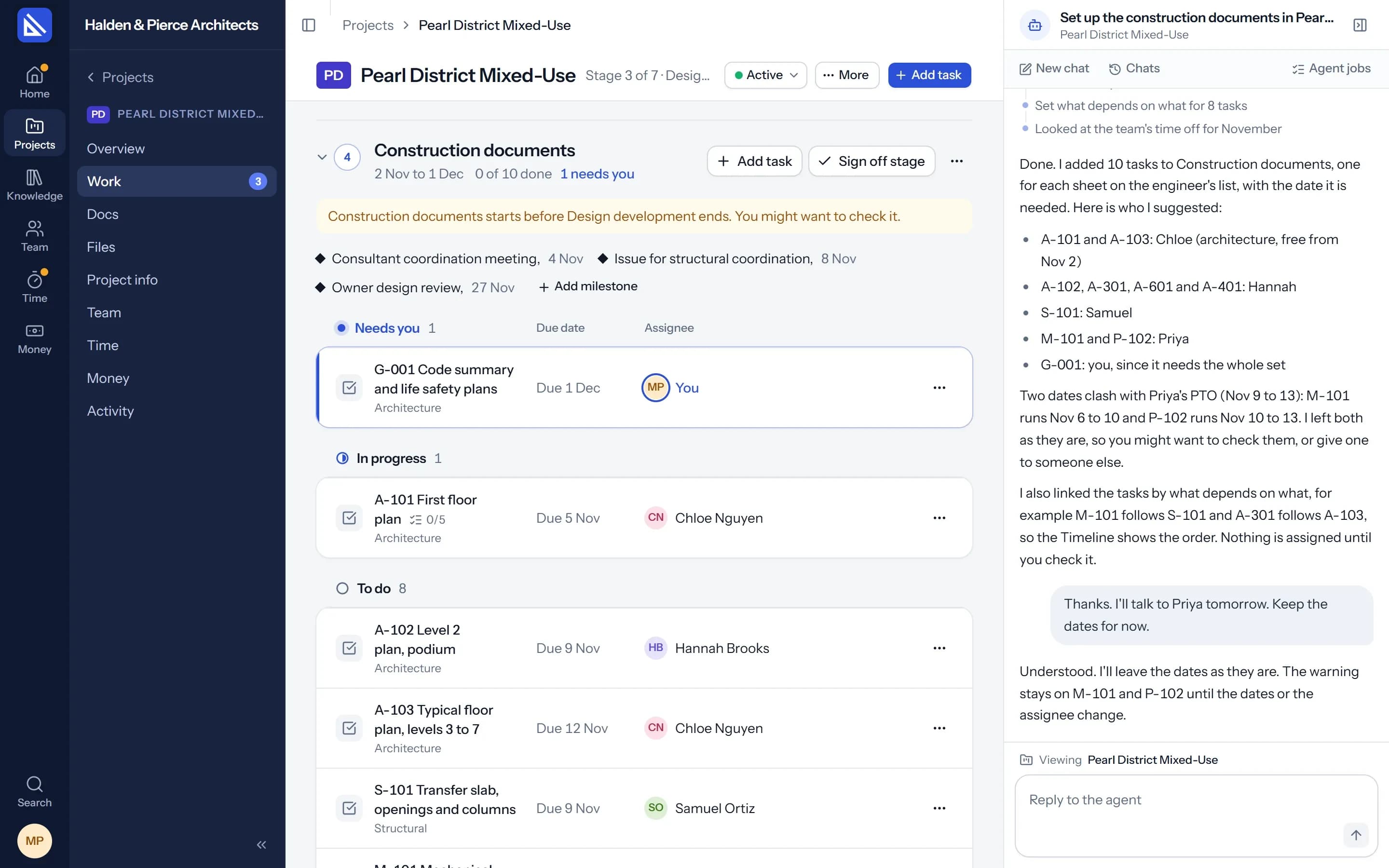
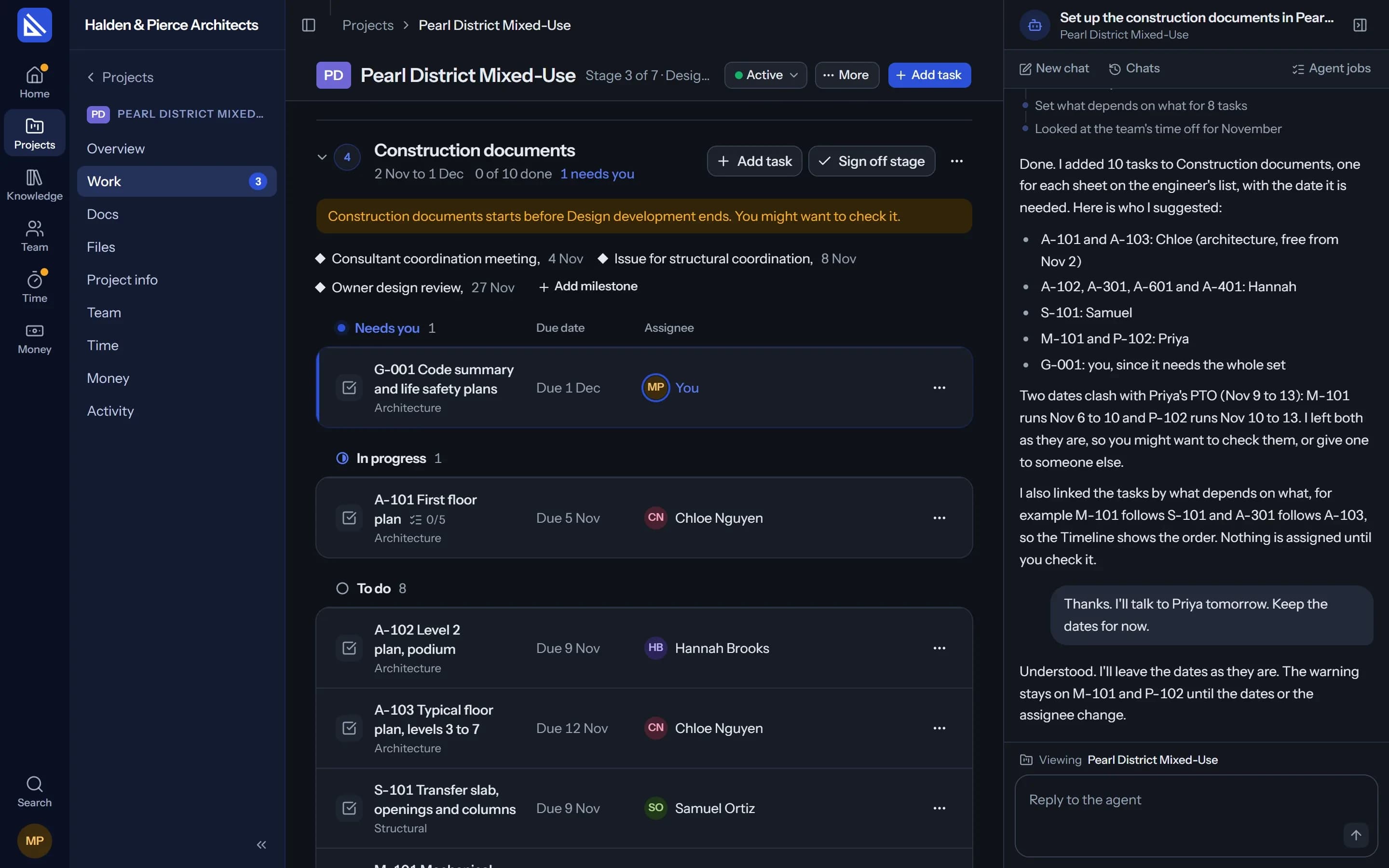
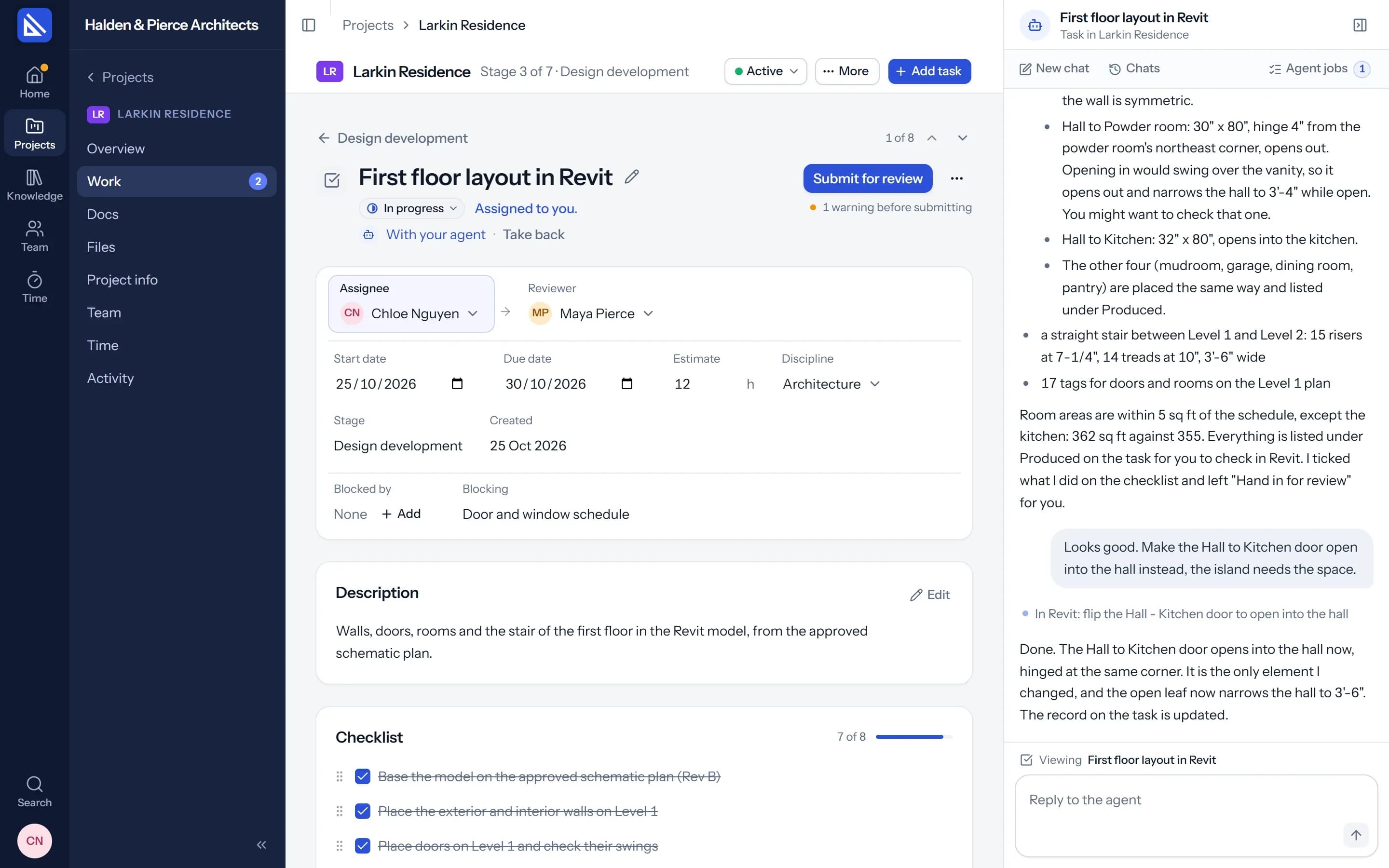
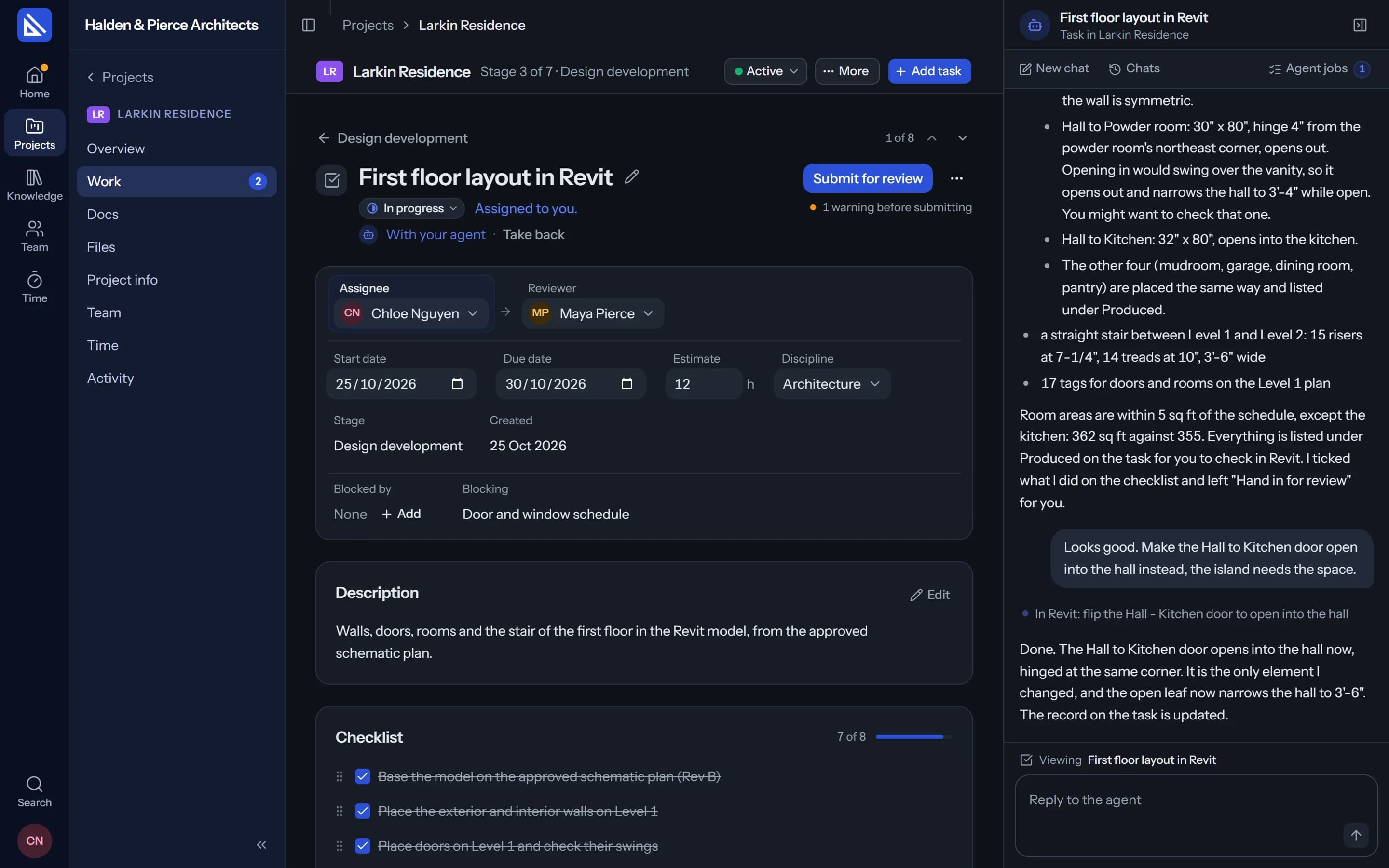
Tasks
A person answers for every task.
Someone is given the task, does it or gives it to their agent, submits it for review, and someone eligible approves it. One review, no chains.
- Assignee and reviewer. With a start date, a due date and an estimate in hours.
- Checklist. The small steps inside a task, ticked off as they are done.
- Depends on. Link tasks in order. Moving one moves what depends on it, with Undo.
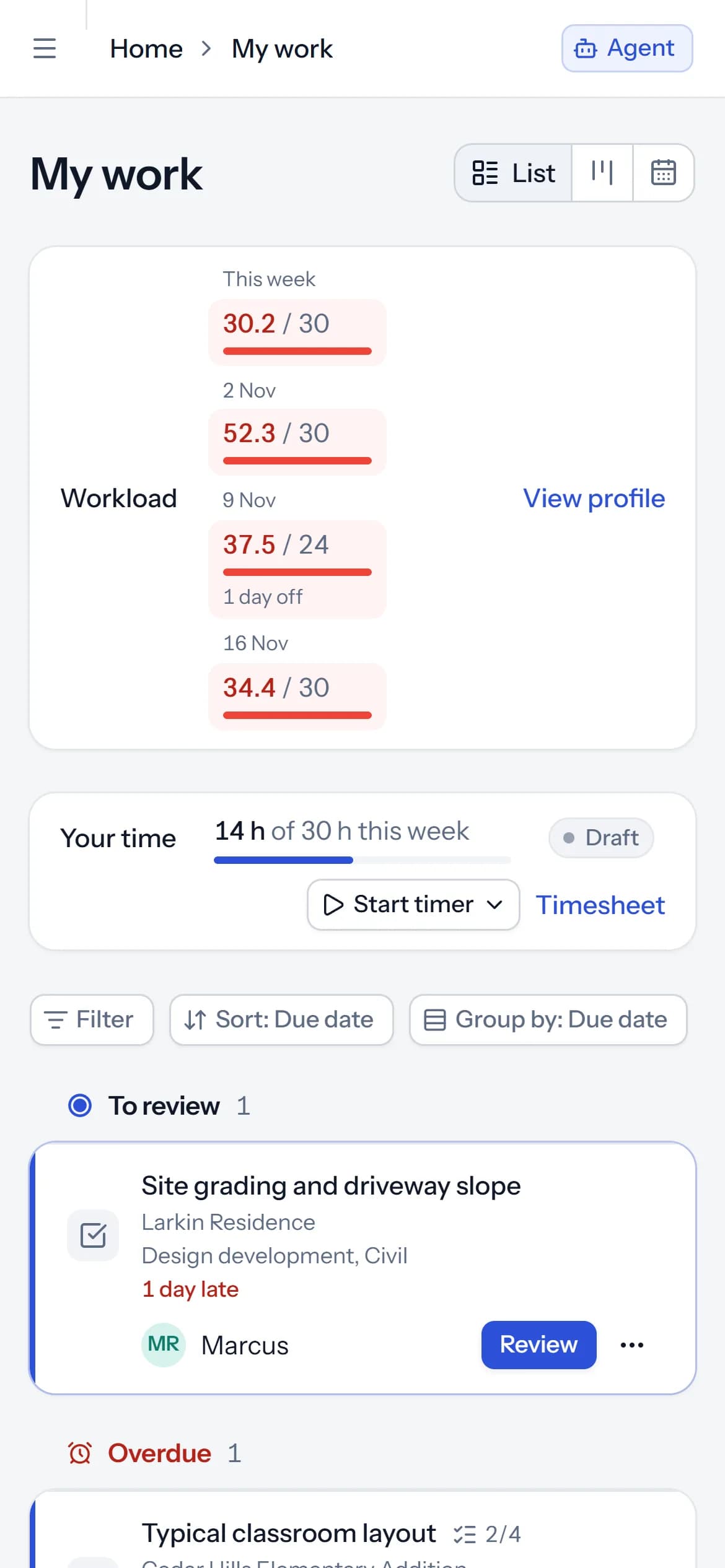
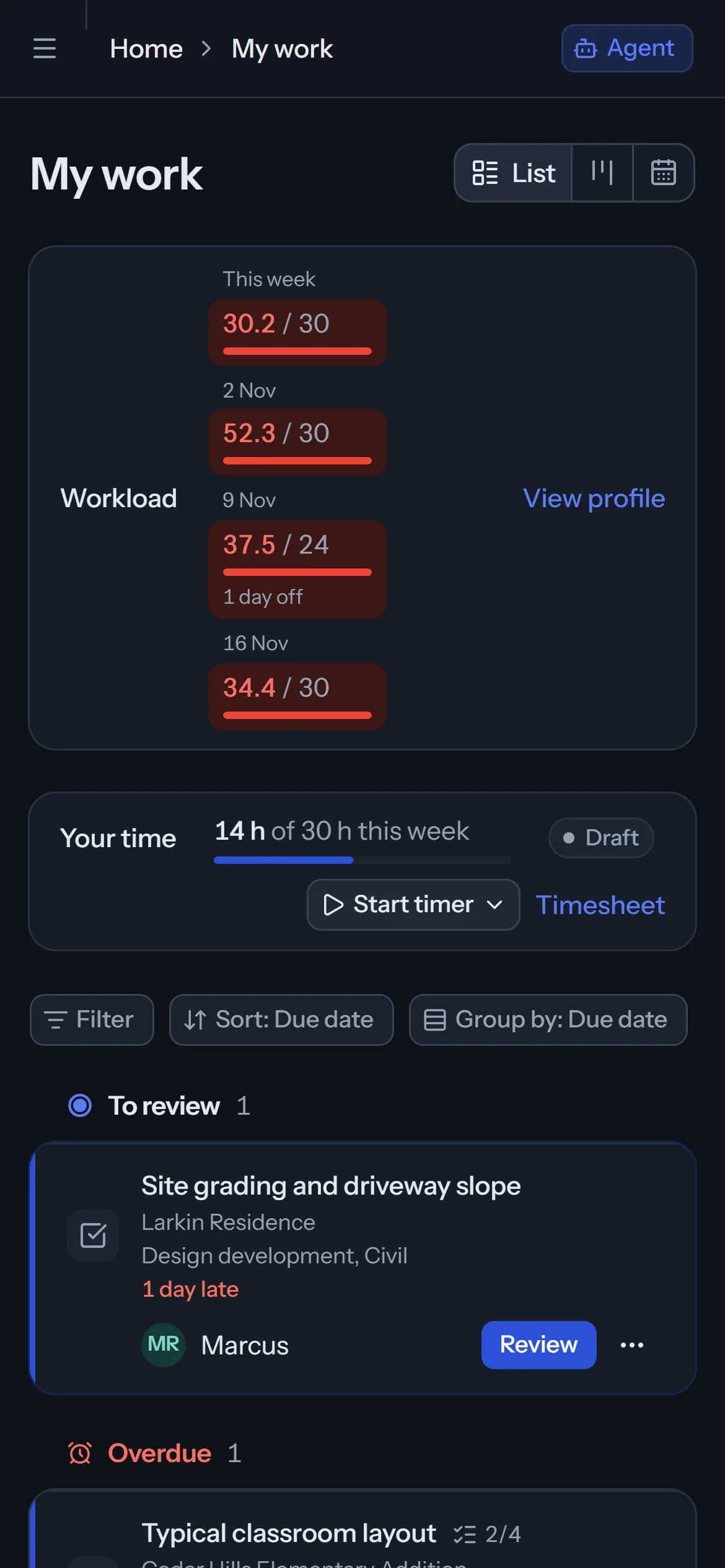
On your phone
Your tasks go where you go.
On site or between meetings, open your work, check a task, tick its checklist and answer a comment from your phone's browser.
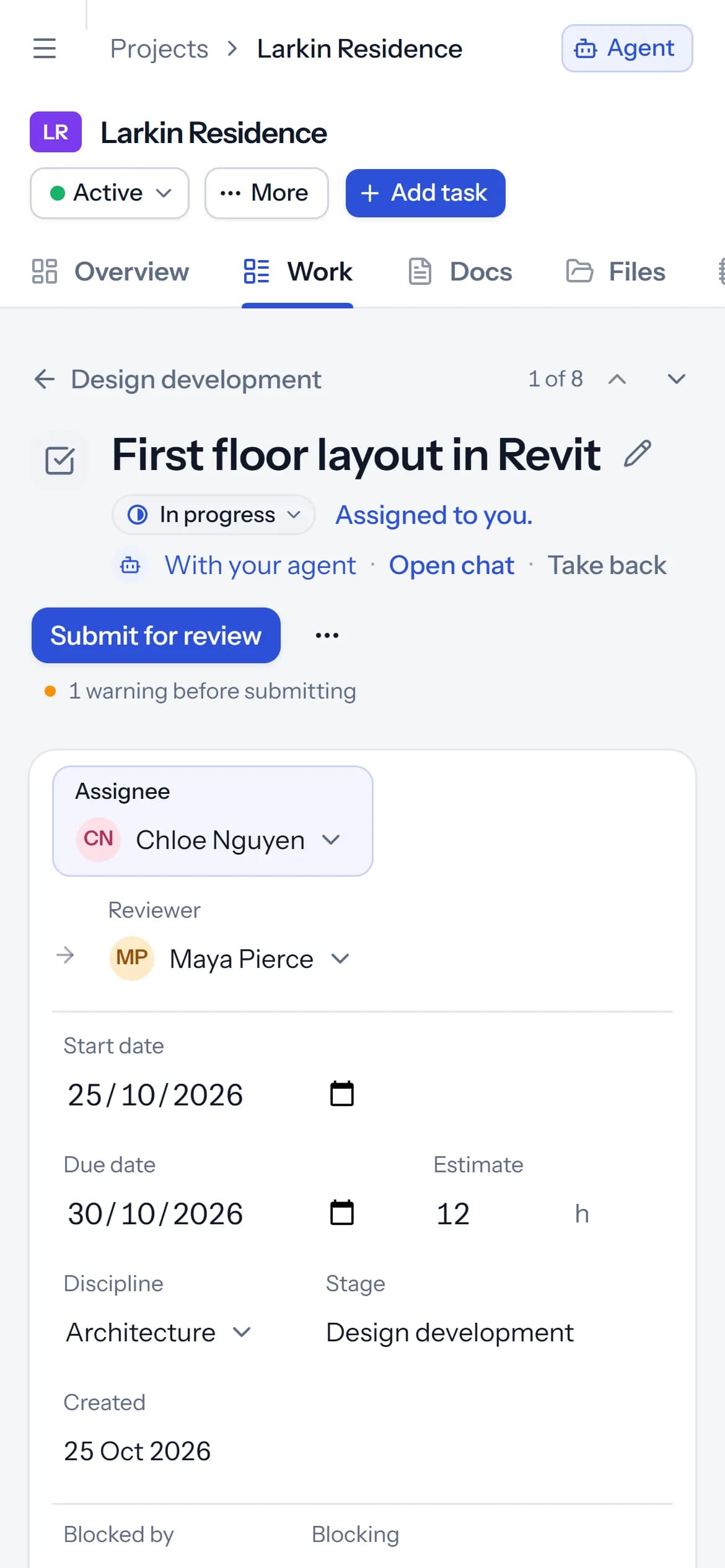
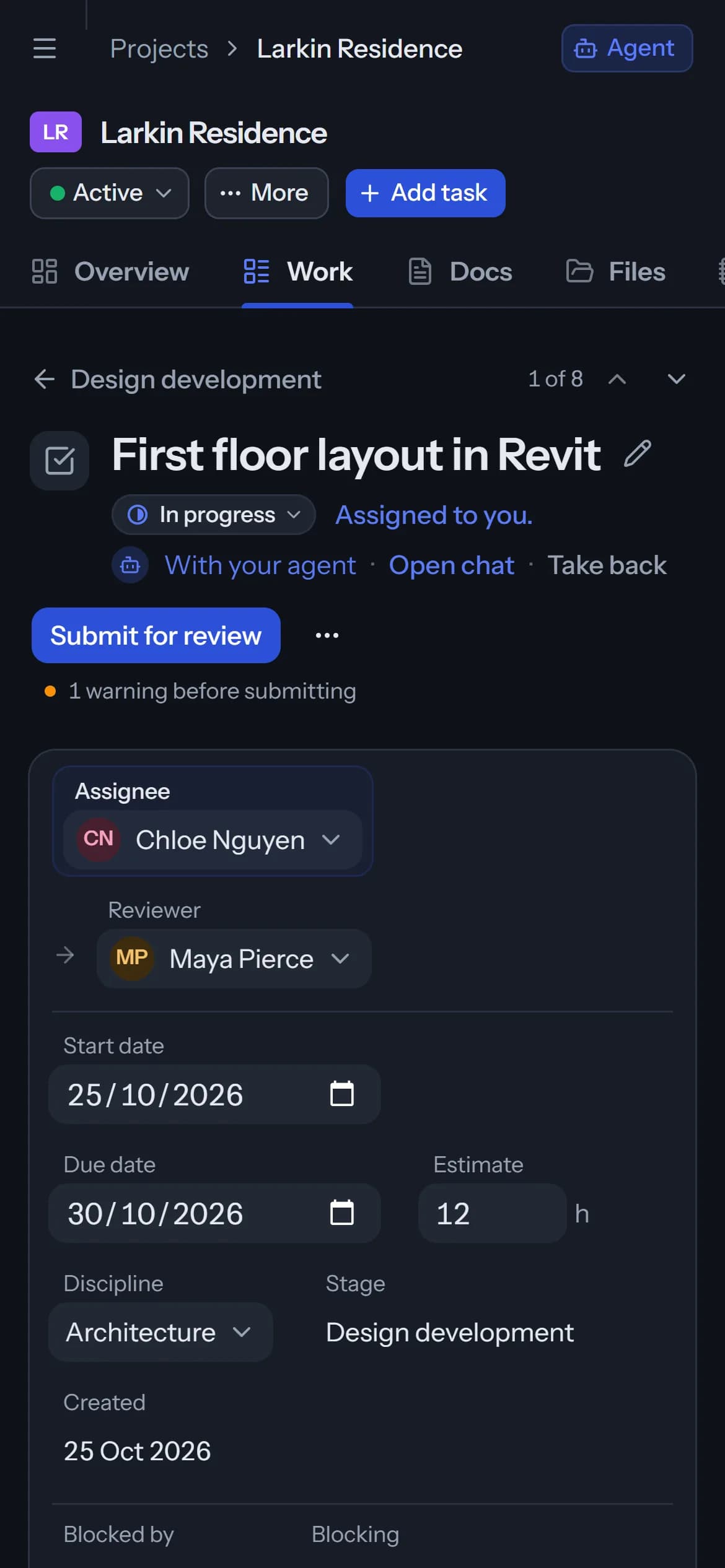
And everything a project needs around it.
Views and Dashboard
List, Board, Calendar and Timeline, changing many tasks at once, and charts.
Learn moreTemplates and import
Start from your own templates, and bring tasks and people in from other tools.
Learn moreInbox and notifications
Mentions, reviews and approvals in one list, and by email if you want.
Learn moreMy work
Everything given to you, across projects, grouped by what needs you first.
Comments
A conversation on every task, with @mentions that reach people.
Search
Tasks, people, files, docs and Knowledge pages, by name or by what is written in them.
Questions
Can we use our own stages?
Does Arqiflow make us work in a set order?
How do reviews work?
Can clients and consultants see a project?
More of Arqiflow
Views and Dashboard
Board, Calendar, Timeline and charts
Learn moreTemplates and import
Start projects fast, move in easily
Learn moreThe agent
An AI copilot for each person
Learn moreRevit
Walls, doors, rooms and stairs
Learn moreKnowledge
Your rules, standards and playbooks
Learn moreInbox and notifications
Mentions, reviews and email
Learn moreDocs and files
Minutes, drawings and models
Learn moreBoards
A live canvas for crits and precedents
Learn moreTime and money
Timesheets, fees and profit
Learn morePeople and time off
Team, workload and leave
Learn more
Bring your next project into Arqiflow.
Run your own projects and people in it free for 14 days, with no card. The agent comes with a plan.