Download
Arqiflow on your desk.
Arqiflow runs in your browser. On Windows, two small apps bring it closer to your day: one by the clock, and one inside Revit.
Arqiflow desktop app
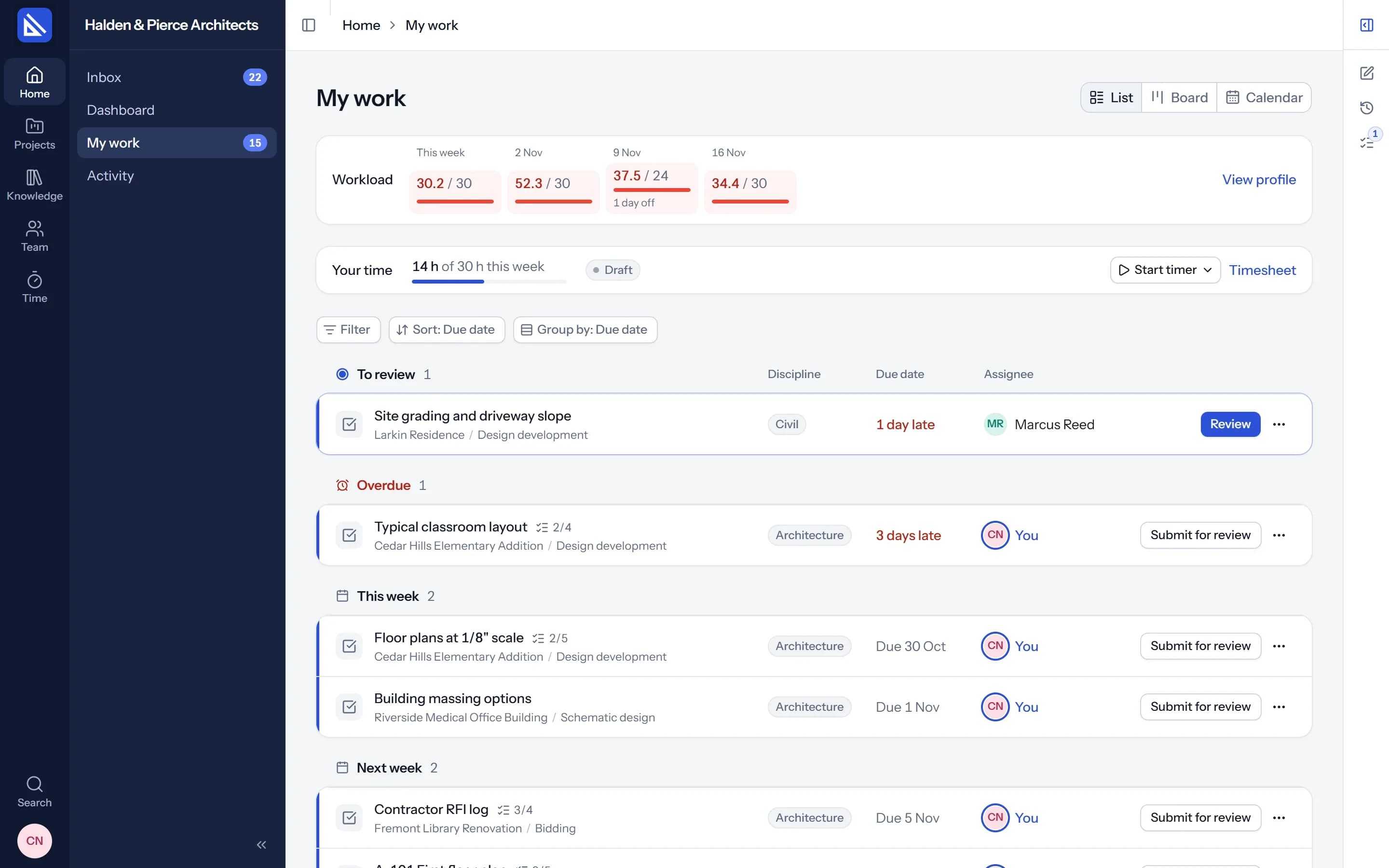
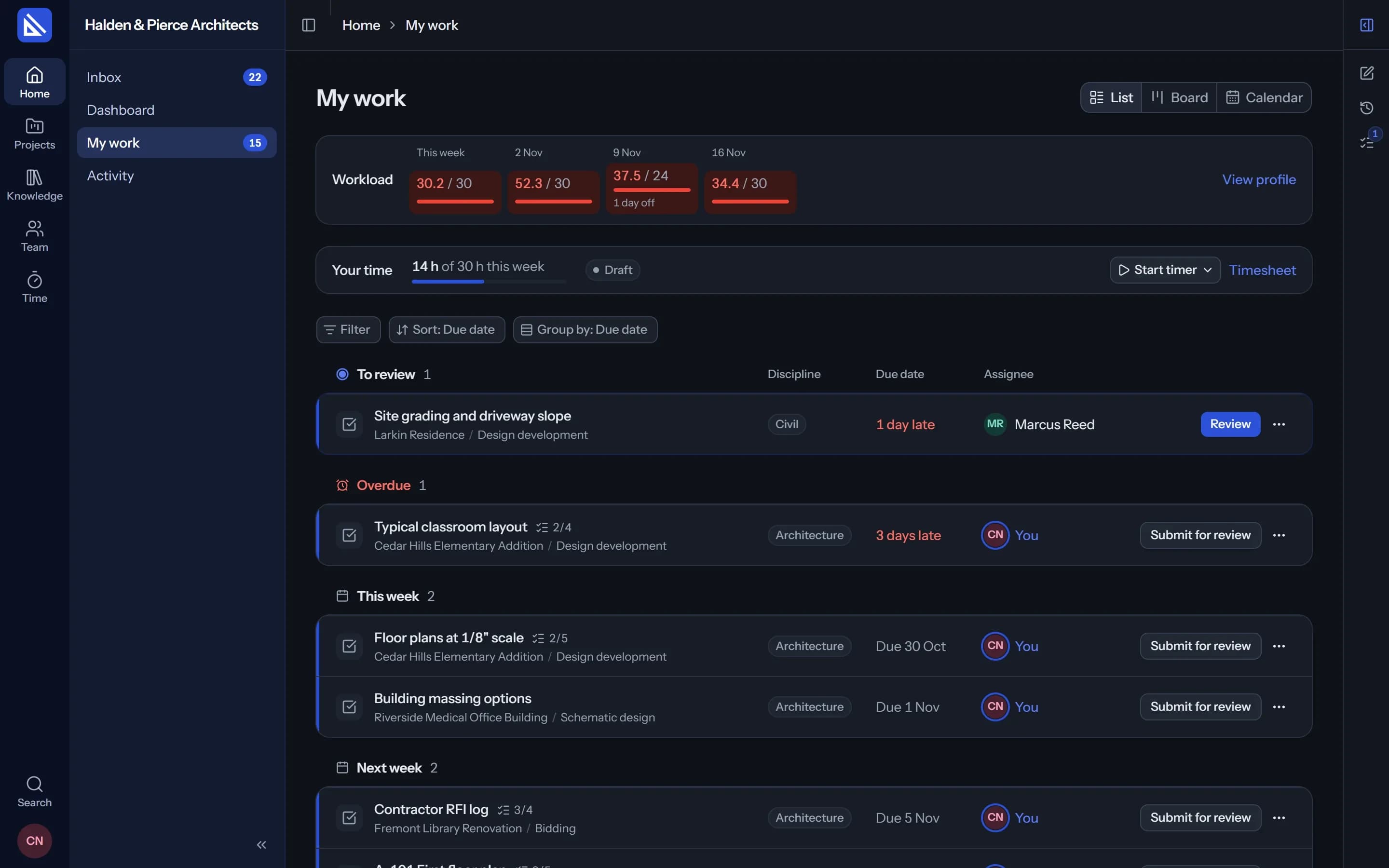
Your tasks, your timer and the agent's chat in a window of their own, and an icon by the clock from the moment you sign in.
- My work and a timer. Start, pause and submit a task without opening a browser.
- Notifications. A review waiting, a new task, your agent finished, what is due today.
- Opens Revit for you. With the project's model, when your agent needs it.
The installer will be here soon. Until then, write to [email protected] and we'll send it to you.
Windows 10 or 11. Included in Practice and Enterprise.
Arqiflow for Revit
The connection between the Revit open on your computer and your agent, with an Arqiflow tab in Revit's ribbon.
- Your agent in your model. It builds walls, doors, rooms and tags from the chat.
- Sign in once. In your browser, with your Arqiflow account. The desktop app shares it.
- Every change on the task. Listed by category, with the ids to select in Revit.
The installer will be here soon. Until then, write to [email protected] and we'll send it to you.
Revit 2023 to 2027 on Windows. Included in Practice and Enterprise.
Desktop app
The window opens on your work.
It is the app you know, in a window of its own: My work, the task in front of you and your agent beside it. Close the window and Arqiflow keeps going by the clock.
- Time from your day. Your agent can draft your timesheet from the Revit models you had open.
- Activity, by consent. Where the firm turns it on and you agree, it records which apps and websites you use, and for how long.
Questions about the apps
Do I need the apps to use Arqiflow?
Is there an app for Mac?
How do the apps sign in?
Does the desktop app watch what I do?
Start in the browser today.
Bring a project and your team in now. Install the apps when you are ready for Revit.