Knowledge
Your firm's know-how, where every agent can read it.
The codes you design to, your standards, how you do each piece of work, what things cost and what you learned on the last job. Kept as pages your people look after, and read by every person's agent.
Six kinds
Everything your firm knows, in one place.
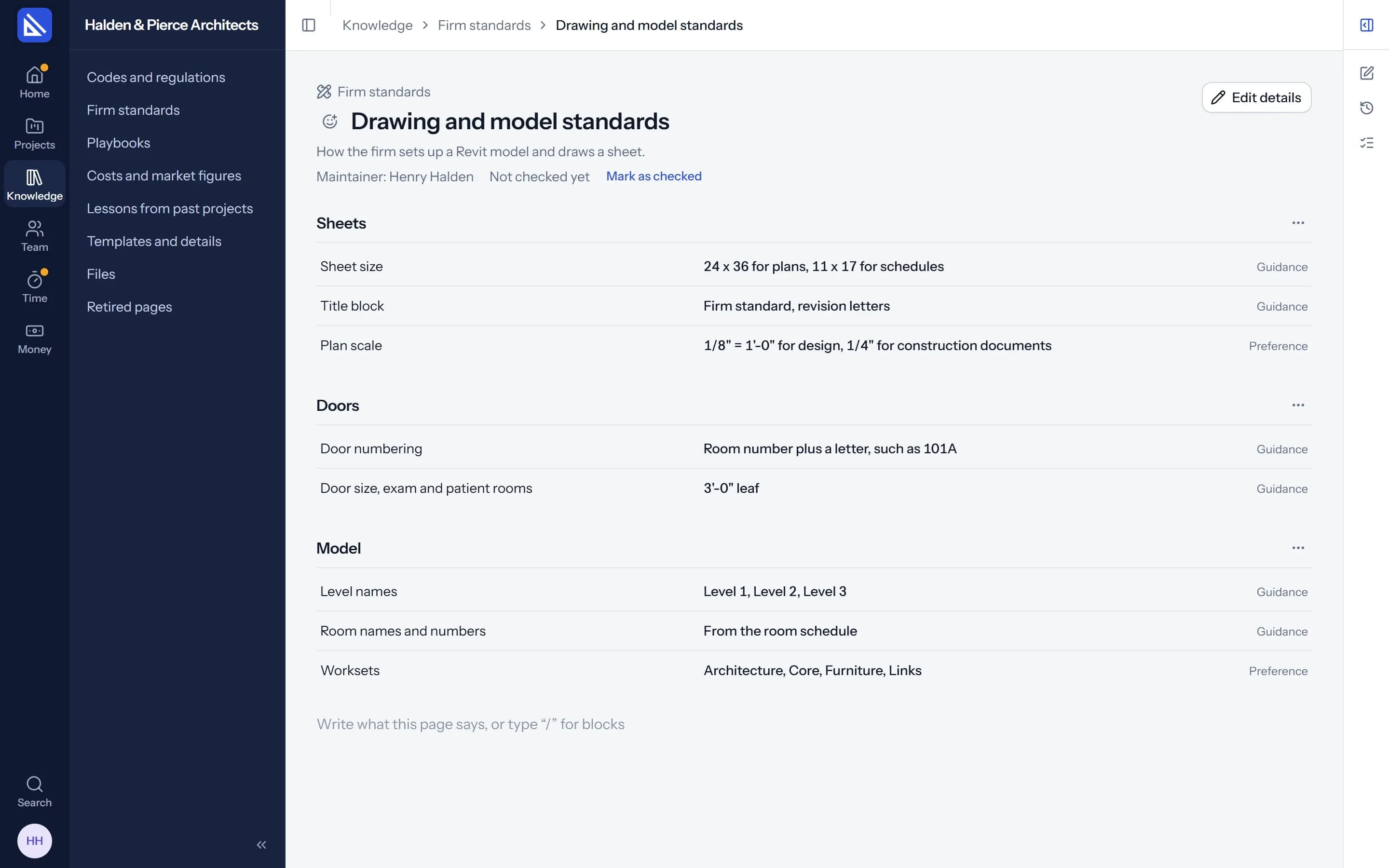
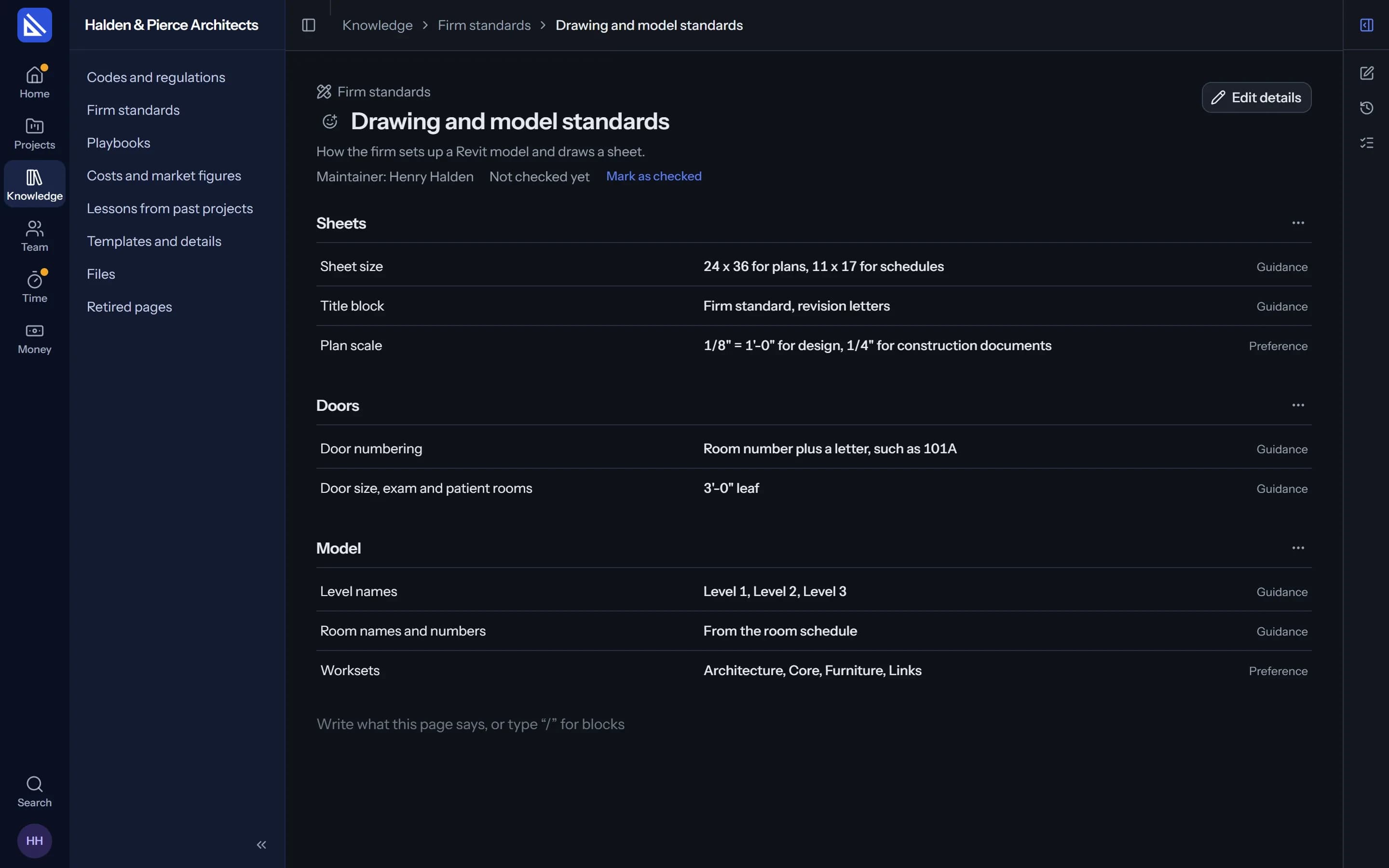
Each kind holds pages on a subject, with their lines in sections and text written around them.
Codes and regulations
The building codes and the municipality's rules your projects answer to.
Firm standards
Sheet sizes, title blocks, naming, numbering: how your drawings and models are set up.
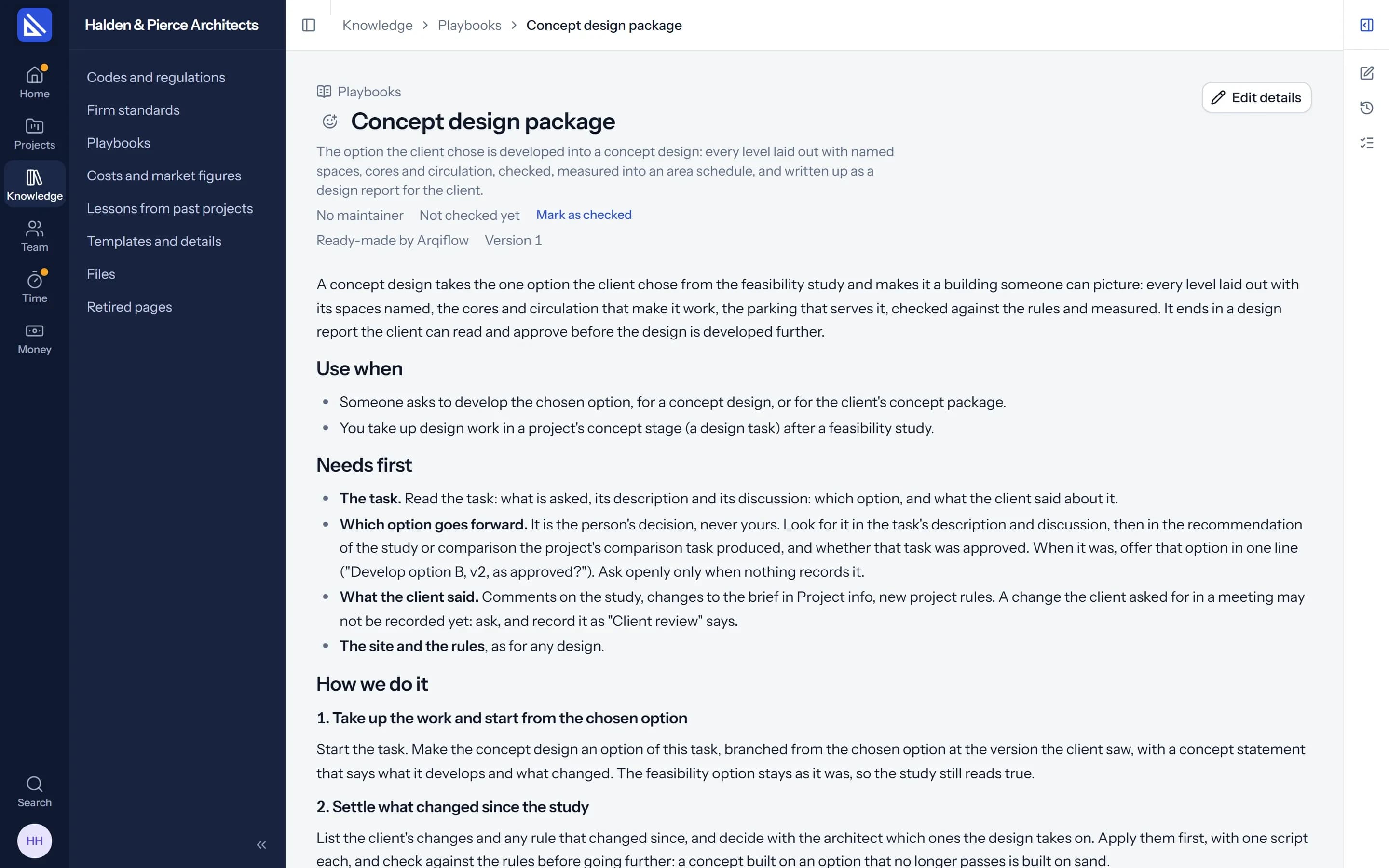
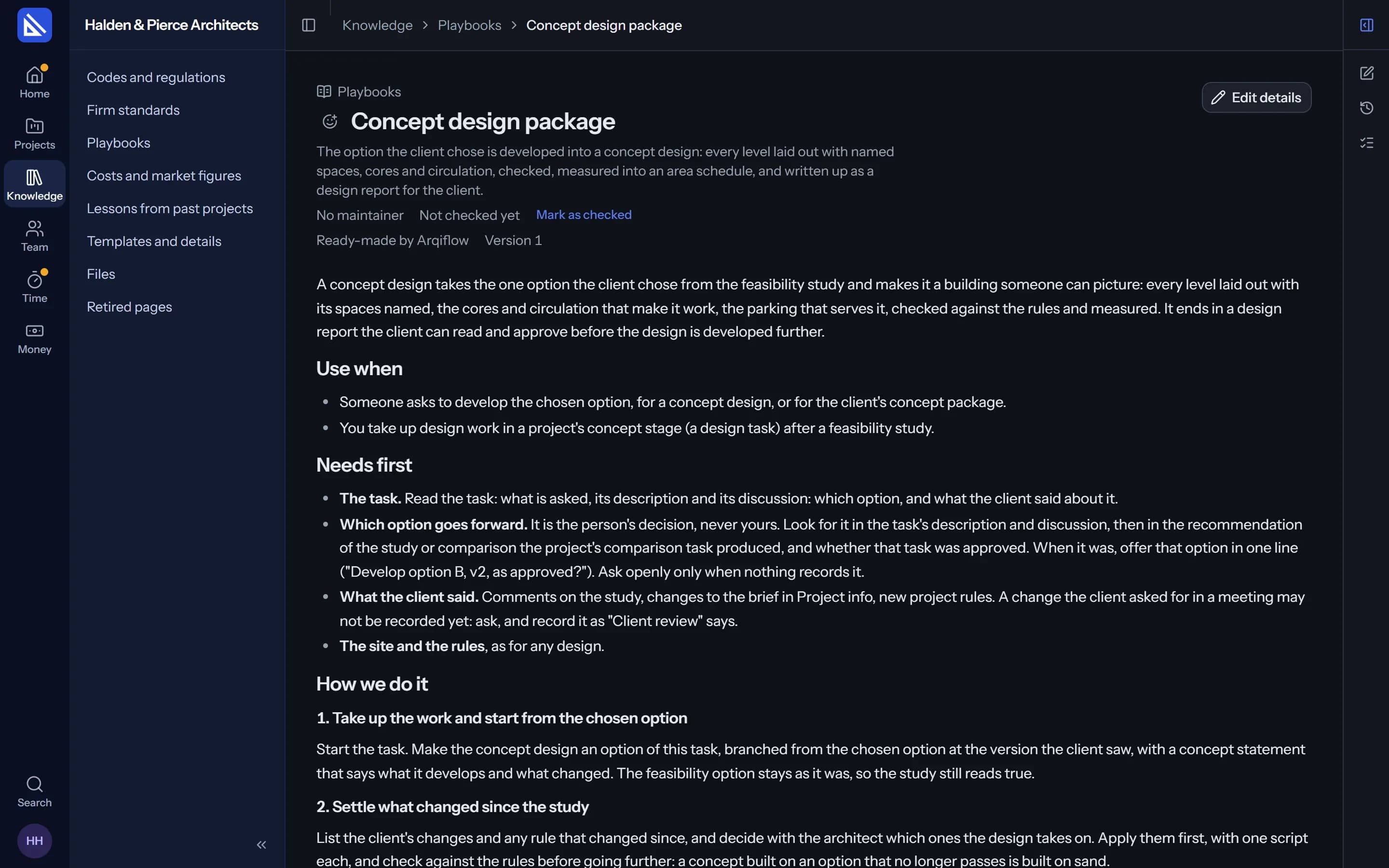
Playbooks
How the firm does a piece of work, step by step. The agent follows them.
Costs and market figures
Rates and prices the agent uses for costs, instead of guessing.
Lessons
What went well and what went wrong, so the next project starts wiser.
Templates
The documents and details your firm starts from.
Playbooks
Your procedures, followed every time.
A playbook is a page of how the firm does a piece of work: a feasibility study, concept options, a concept design package, a client review. Arqiflow comes with ready-made ones; change them like any page, and the ready-made text stays one click away.
- Named on the task. “The agent is using Concept options”, with the version it used.
- Better with use. When work comes back with a correction, the agent suggests a better text.
- Written from what you have. Give it a written procedure or a manual and it drafts a playbook.
Adding knowledge
Upload a document. Get a page.
Add a PDF, a Word file or a spreadsheet and your agent turns it into a page in the right place. Suggested lines arrive on the page, and you accept or dismiss each one.
- Looked after. Each page names who maintains it and when it was last checked.
- Every version kept. History shows each change. Retire a page that no longer applies.
Each project
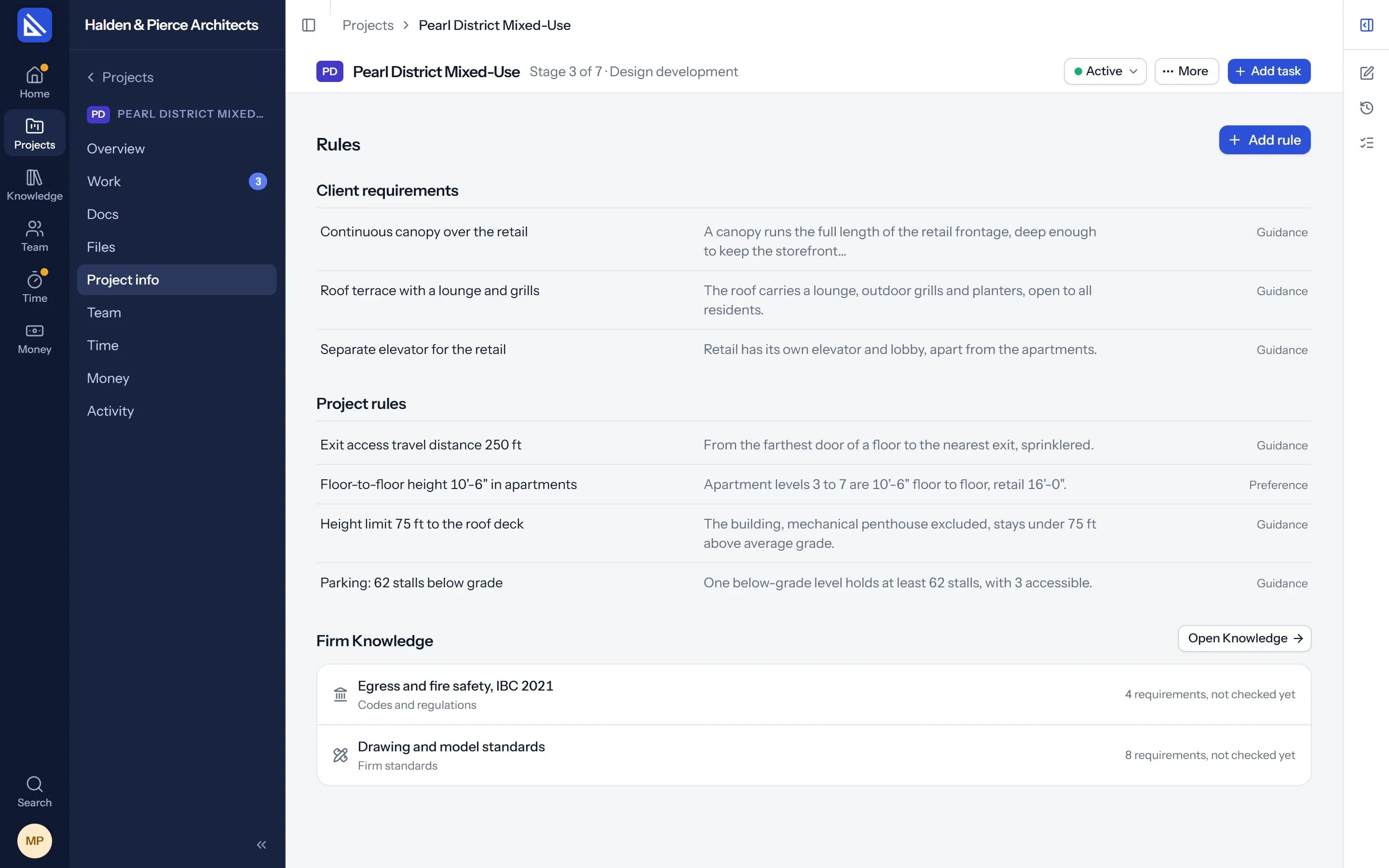
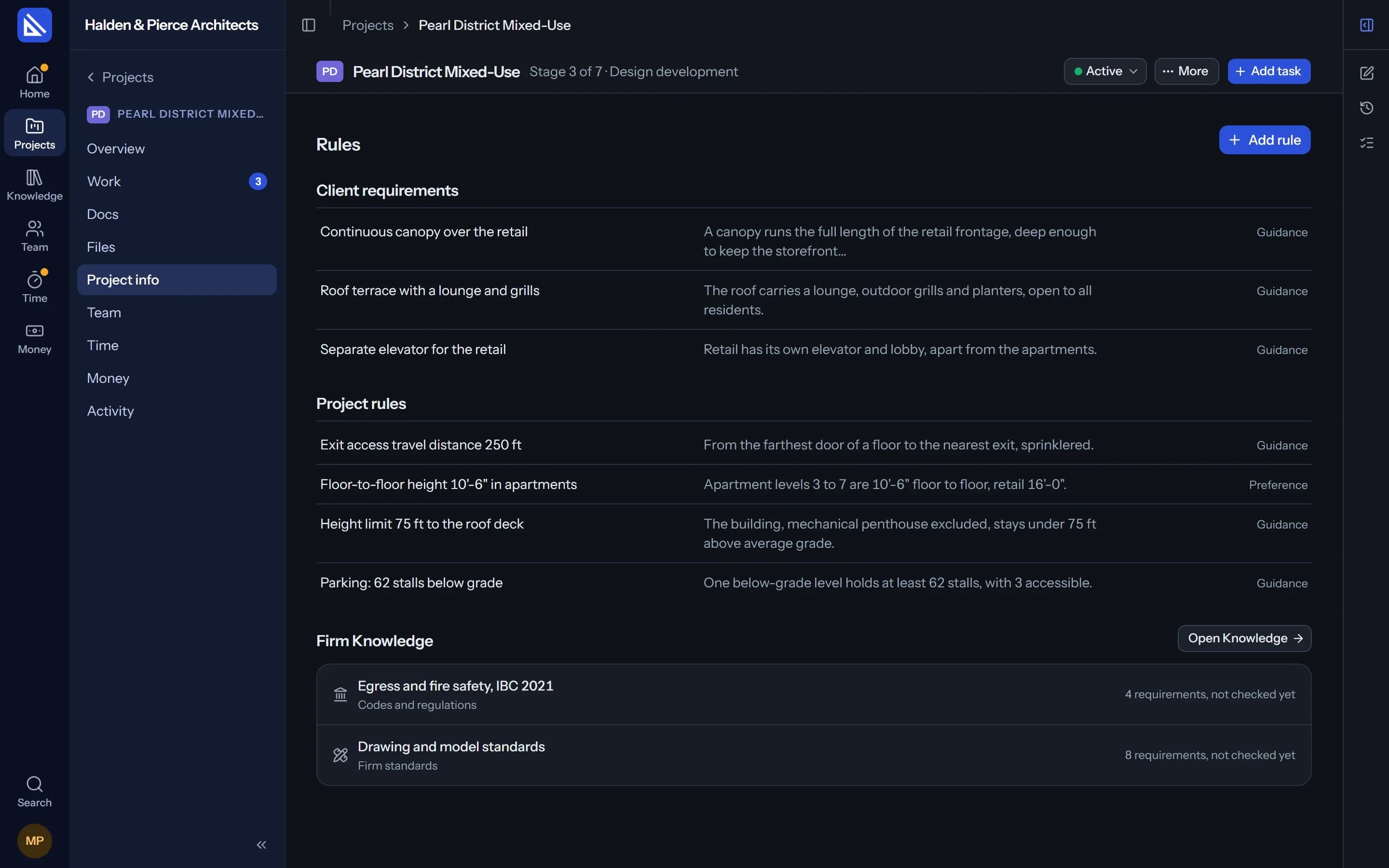
A project keeps its own rules too.
The brief, the site from the survey and the rules that apply are what a project starts with, in Project info. They are filled in, checked once and corrected when they change, laid out like a Knowledge page.
Questions
Does Arqiflow come with codes for my city?
Who can change Knowledge?
How do I know where an answer came from?
More of Arqiflow
Projects and tasks
Stages, tasks, reviews and checklists
Learn moreViews and Dashboard
Board, Calendar, Timeline and charts
Learn moreTemplates and import
Start projects fast, move in easily
Learn moreThe agent
An AI copilot for each person
Learn moreRevit
Walls, doors, rooms and stairs
Learn moreInbox and notifications
Mentions, reviews and email
Learn moreDocs and files
Minutes, drawings and models
Learn moreBoards
A live canvas for crits and precedents
Learn moreTime and money
Timesheets, fees and profit
Learn morePeople and time off
Team, workload and leave
Learn more
Bring your next project into Arqiflow.
Run your own projects and people in it free for 14 days, with no card. The agent comes with a plan.